Splashtop SOS – Remote Support
Splashtop
Downloads
100,000+
Source
Google Play
Advertisement
Click to download now, finish the installation quickly, and directly unlock the all-round experience
Advertisement
Screenshots
Click to download now, finish the installation quickly, and directly unlock the all-round experience
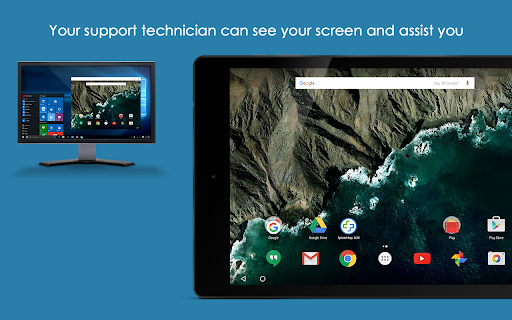
Splashtop SOS – Remote Support lets an IT technician connect to a phone or other device to see its screen and help troubleshoot a problem in real time. It is for people receiving support from a technician, rather than a general-purpose remote desktop app for everyday access.
The technician can connect from a desktop or another mobile device. The reference also lists chat, file management and remote printing among the available tools; what is possible may depend on the devices involved.
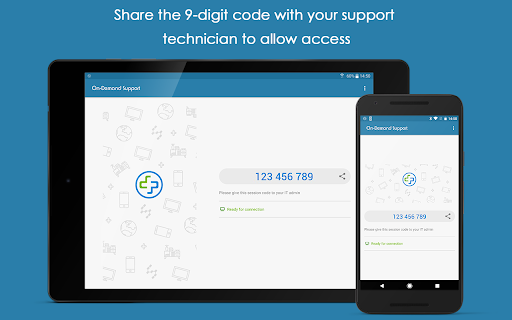
You provide a session ID to the technician so they can connect. Treat that code as a key to your device: share it only with someone you know and trust. Screen sharing lets the technician see what is on screen. If remote control is needed, the app may ask you to grant Accessibility Service permission when no suitable add-on is available for your device.
That means the app’s usefulness depends on an active support session and on the access you choose to allow. Check who is connecting and what permissions are being requested before proceeding.
SOS is aimed at people who have contacted an IT department or support technician and need help with a device remotely. It is less suited to someone looking for unattended access to their own computer, or a tool to connect to strangers’ devices.
Splashtop publishes the app in the Tools category. It has a 3.76 rating from 523 reviews and 100,000+ installs. The supplied listing information does not state a price or payment model, so it does not establish whether use is free or tied to a support service.