What it does
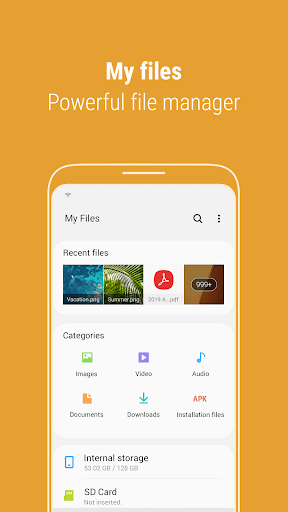
Samsung My Files is a file manager for browsing and organising files on a phone, SD card or USB drive. It suits people who want to find documents, photos, audio, video and downloads in one place, or move files between folders without using a computer. The app can also show files in Google Drive and OneDrive, where those services are supported.
Everyday file tasks
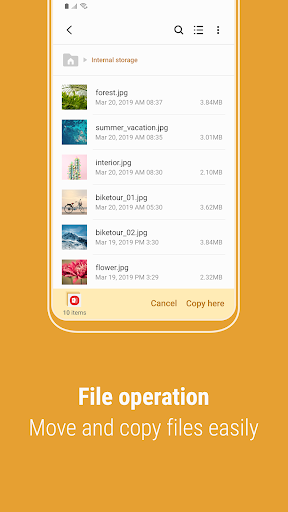
You can create folders, search for files, view file details, and copy, move, share or delete items. My Files can also compress files and unpack compressed ones. A recent-files view gathers items you have downloaded, opened or run, while category lists group files by type, including installation files. Shortcuts to folders and files can be added to the phone’s home screen or the app’s main screen.
Storage and device differences
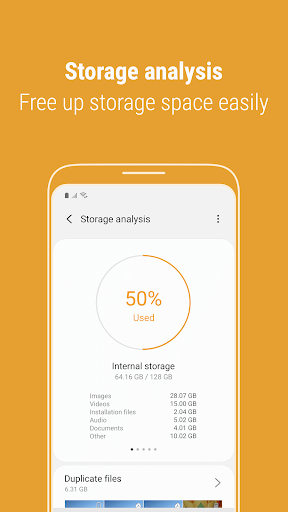
A storage analysis tool helps identify where space is being used and can support clearing space. You can adjust which storage locations appear on the My Files home screen, and switch to a list view to read longer file names. Available features depend on the device model, so the same options may not appear on every Samsung phone.
Access and track record
Managing files requires access to device storage; on Android versions below 13, the stated storage permission covers opening, editing, searching and deleting files and folders in internal or external memory. Notifications are used to show progress for tasks such as copying or moving files. The listing identifies Samsung Electronics Co., Ltd. as the developer. It shows a 4.08 rating from about 555,000 ratings and more than 5 billion installs. The supplied details do not specify whether the app contains advertising or offers paid features.